
Platform: Desktop
Accessing the Tickblaze Members Area:
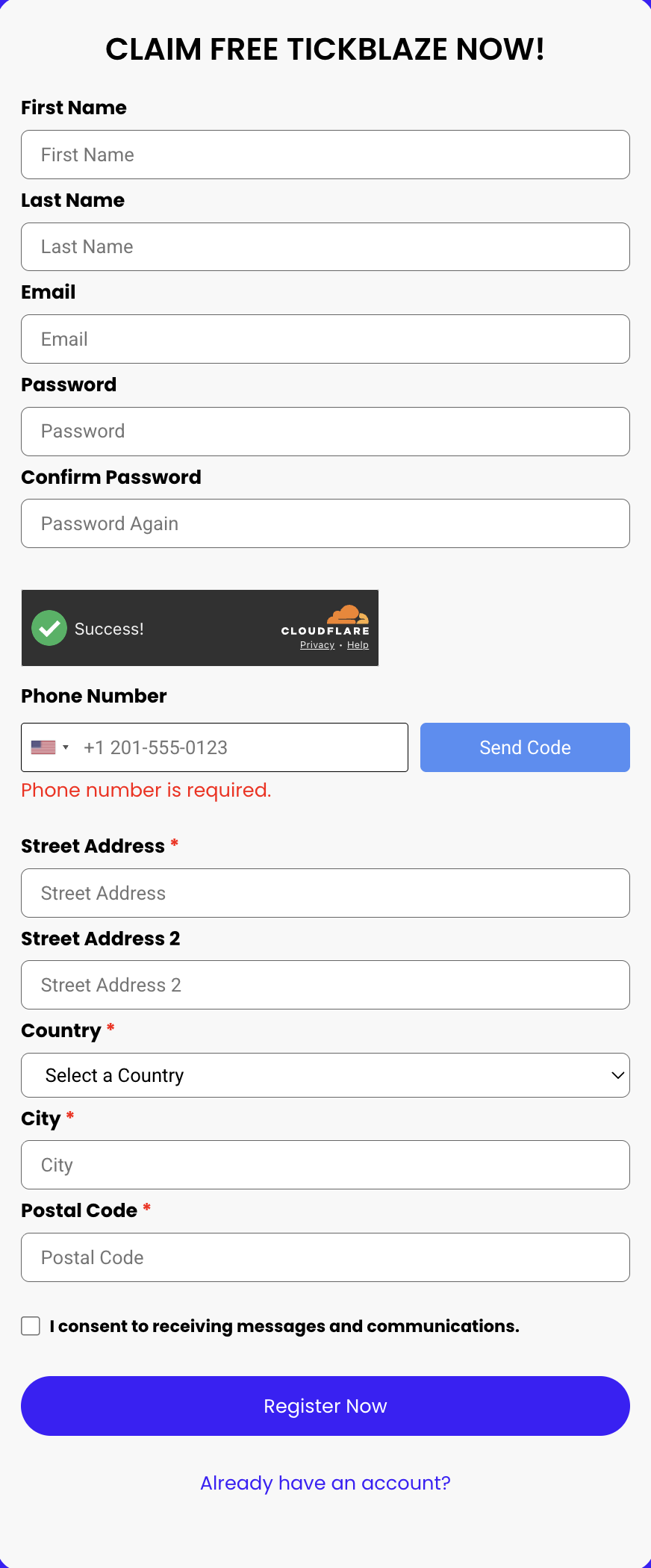
Setup A: If you are a new user to Tickblaze, you will first need to sign up and create an account. Go to REGISTER and create an account.
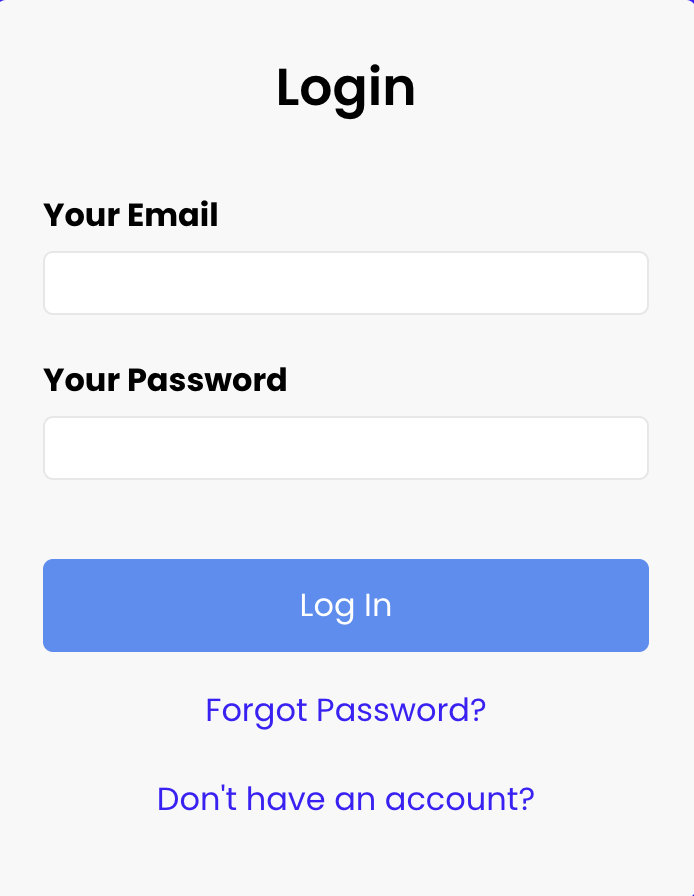
Setup B: If you are an existing user, go to the LOGIN page and sign in.
Once these steps are completed, you will be directed to the Tickblaze members' dashboard.
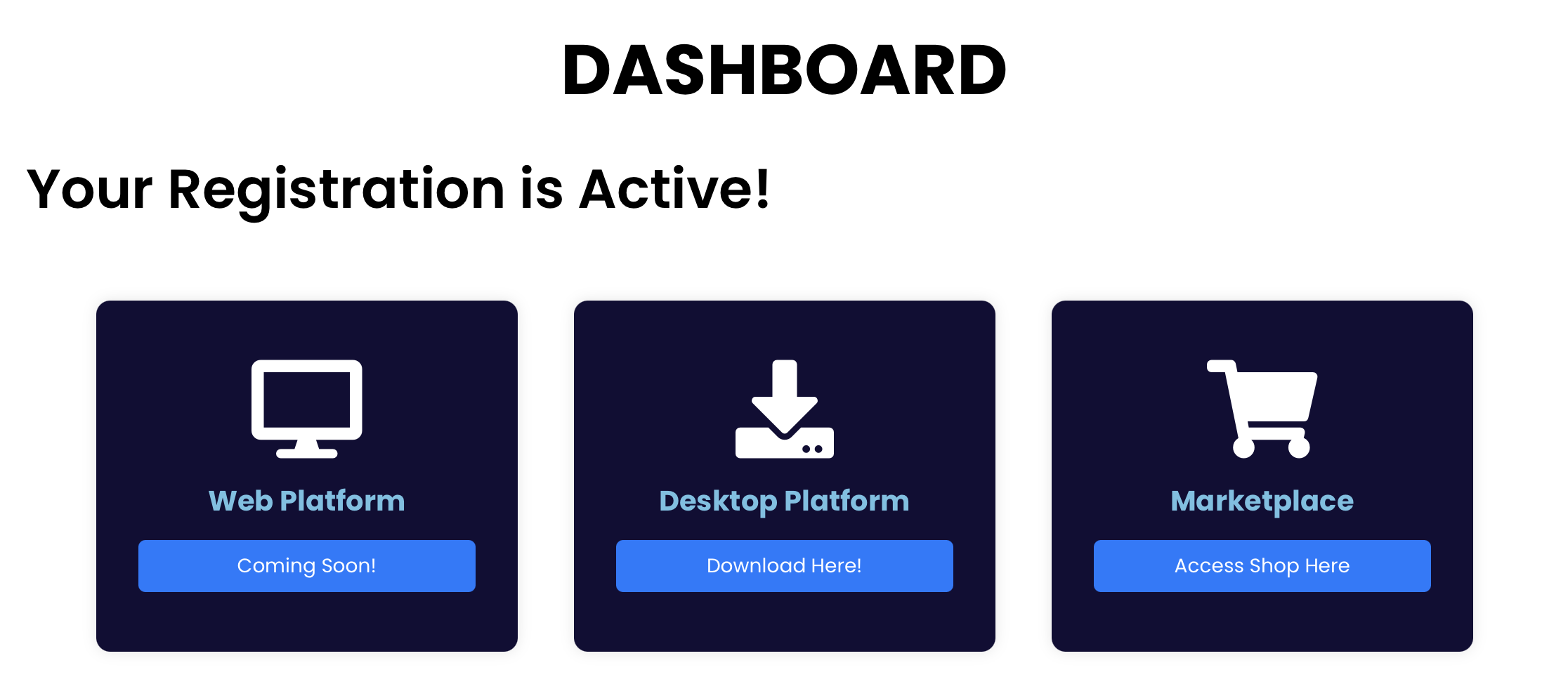
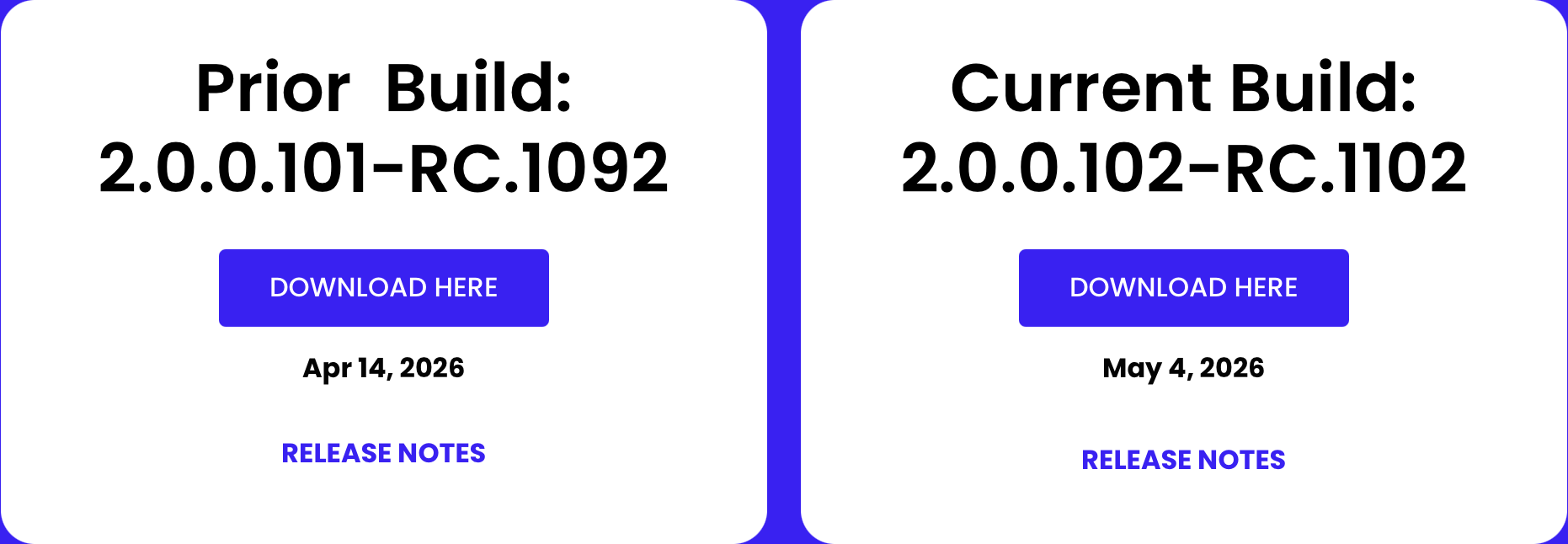
Download Desktop Platform:
Which version to choose?
We recommend the Prior Version for the best stability. The Current Version gives early access to new features but may contain bugs.
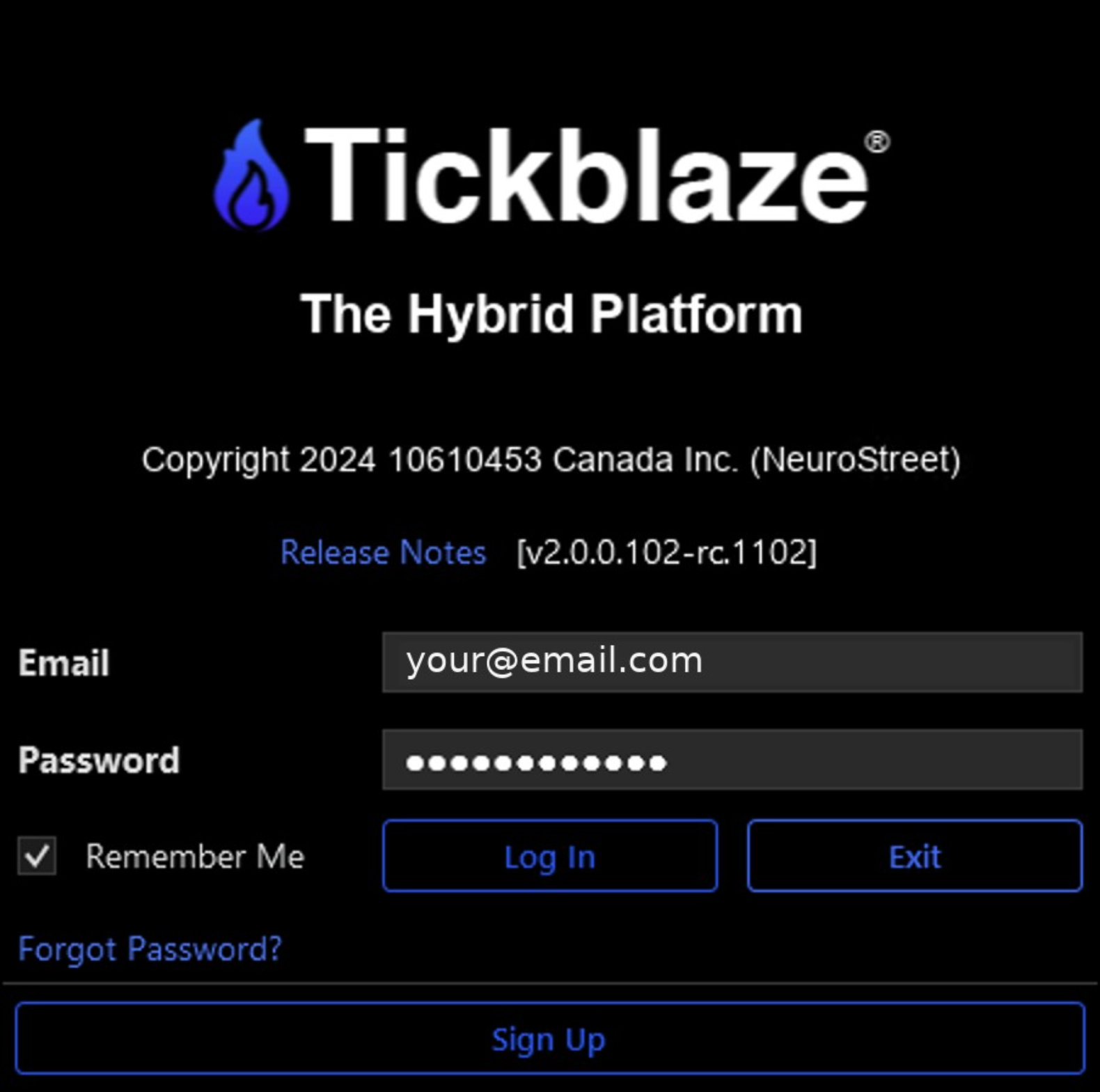
Launch Tickblaze and Log In:
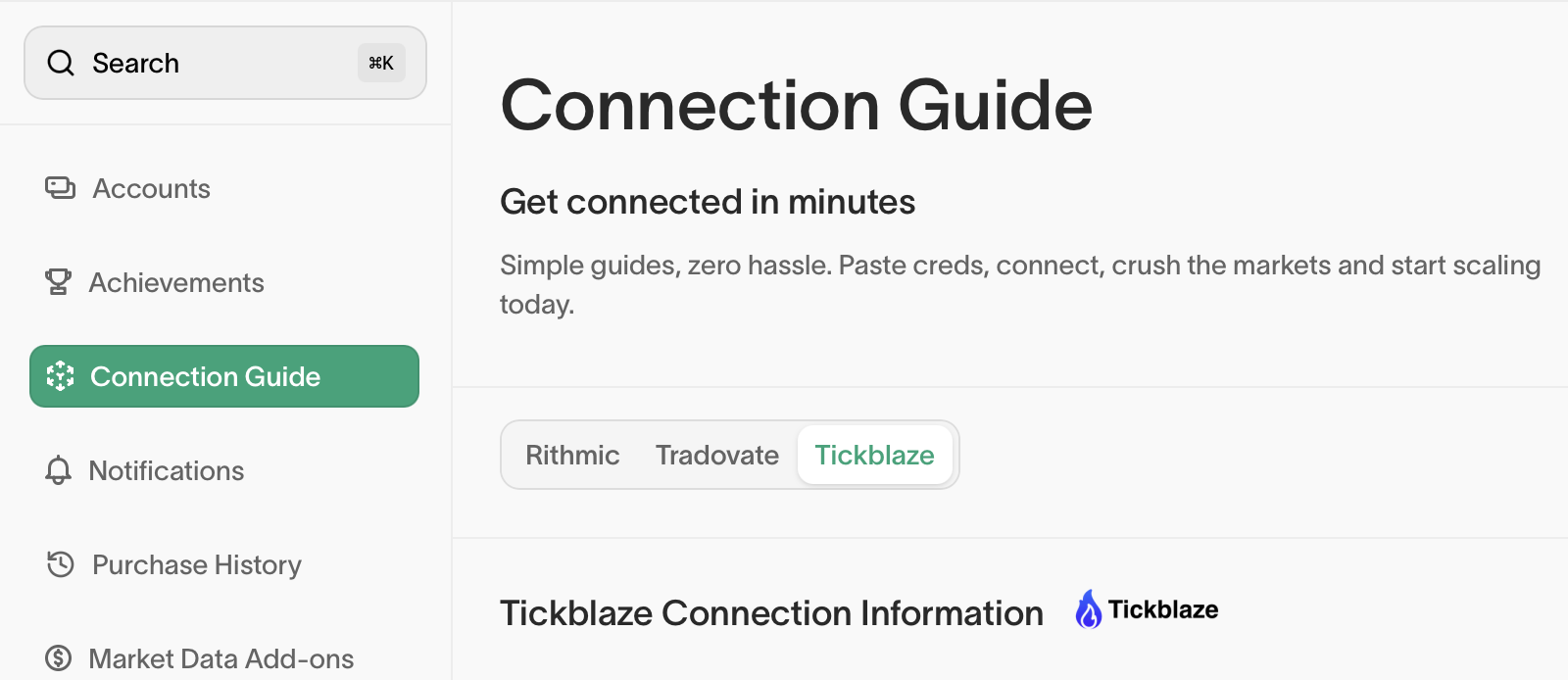
Once the desktop platform is installed, open Tickblaze and log in with your ETF email and password from the connection guide section in your ETF dashboard. If your ETF email is the same as an existing Tickblaze login email, please use your Tickblaze password to login.
Create your Connections:
Once you have logged in, set up your data and broker connection.
Configure the Connections:
In the Data Connection Wizard, step through three pages in order:
Select TickblazeData as the Data Provider.
Enter a Connection Name, such as Elitetraderfunding.
Under Provider Settings, set Elitetraderfunding.
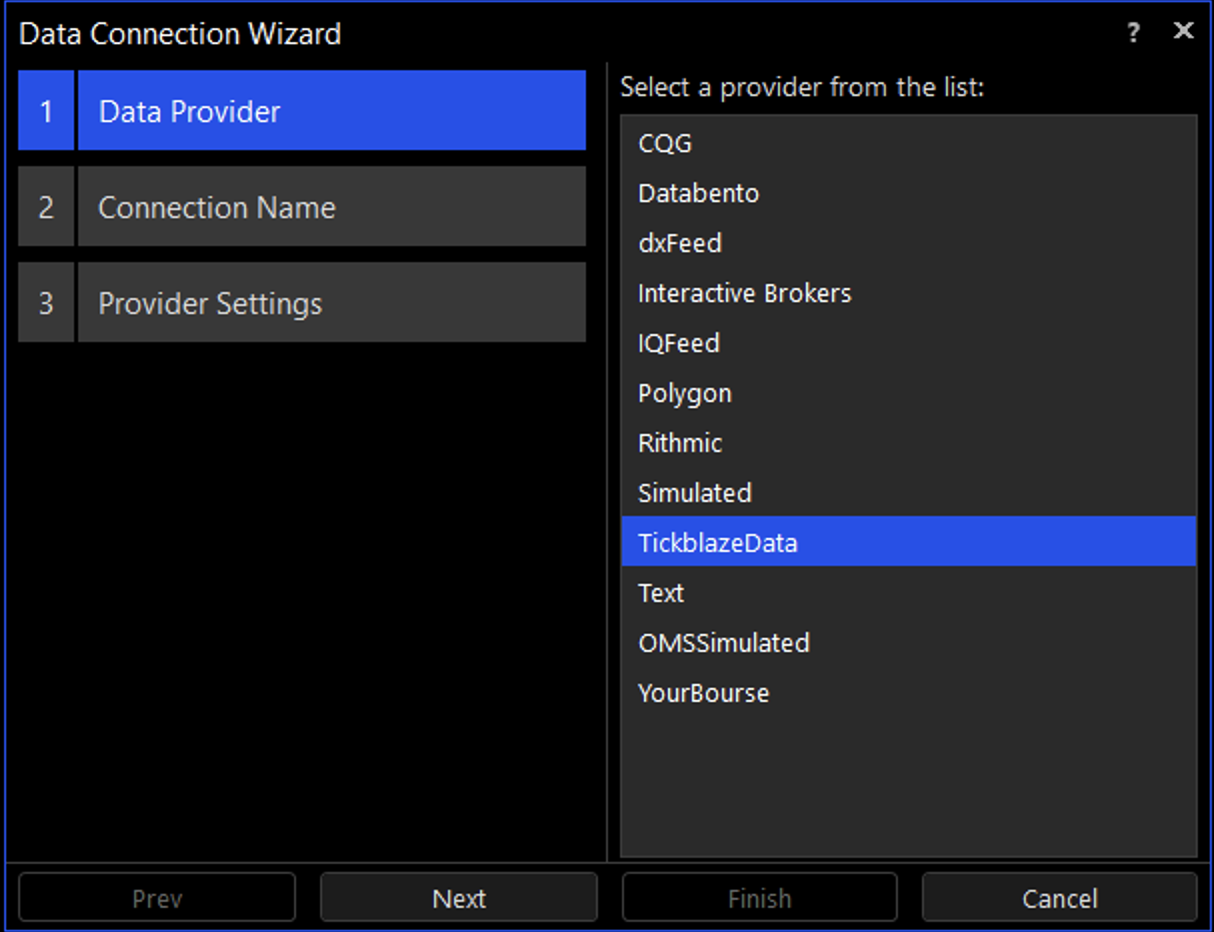
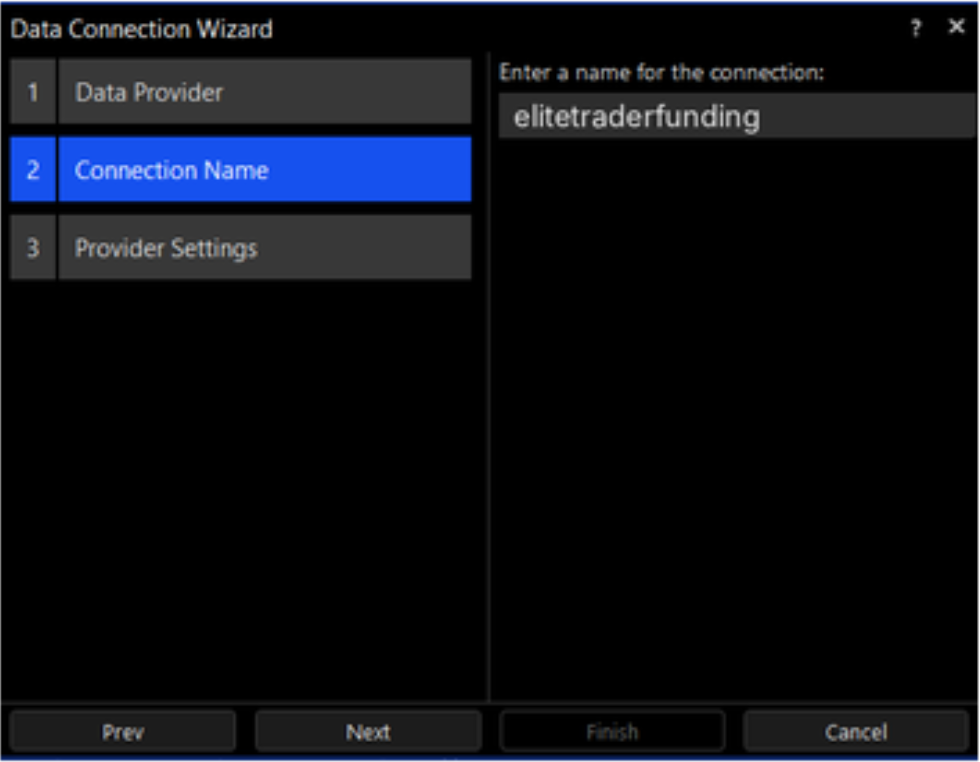
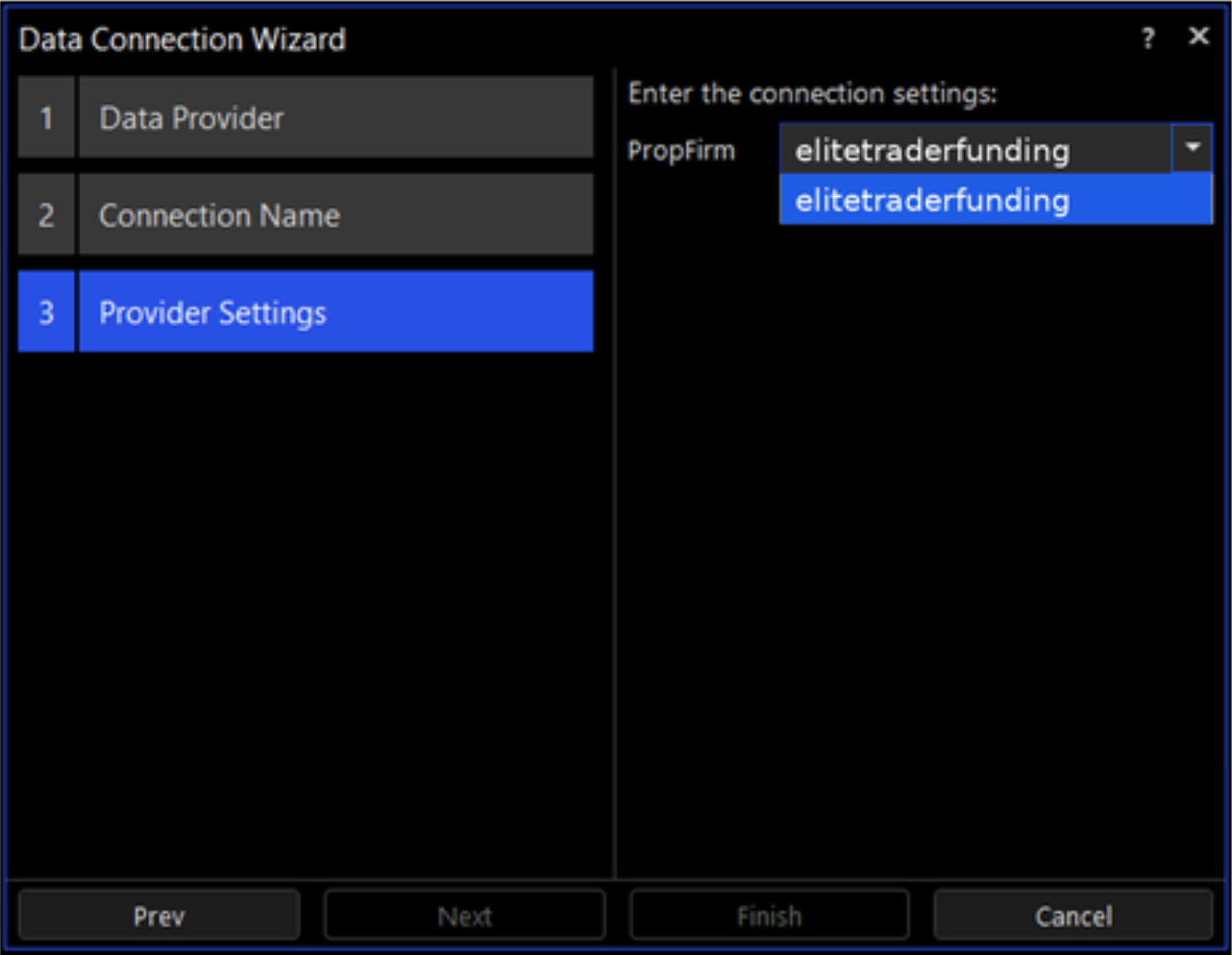
In the Broker Connection Wizard, follow a similar process to the Data Connection.
Select TickblazeOMS as the Broker.
Enter a Name, such as Elitetraderfunding.
Under Provider Settings, set Elitetraderfunding.
Lets Get Connected:
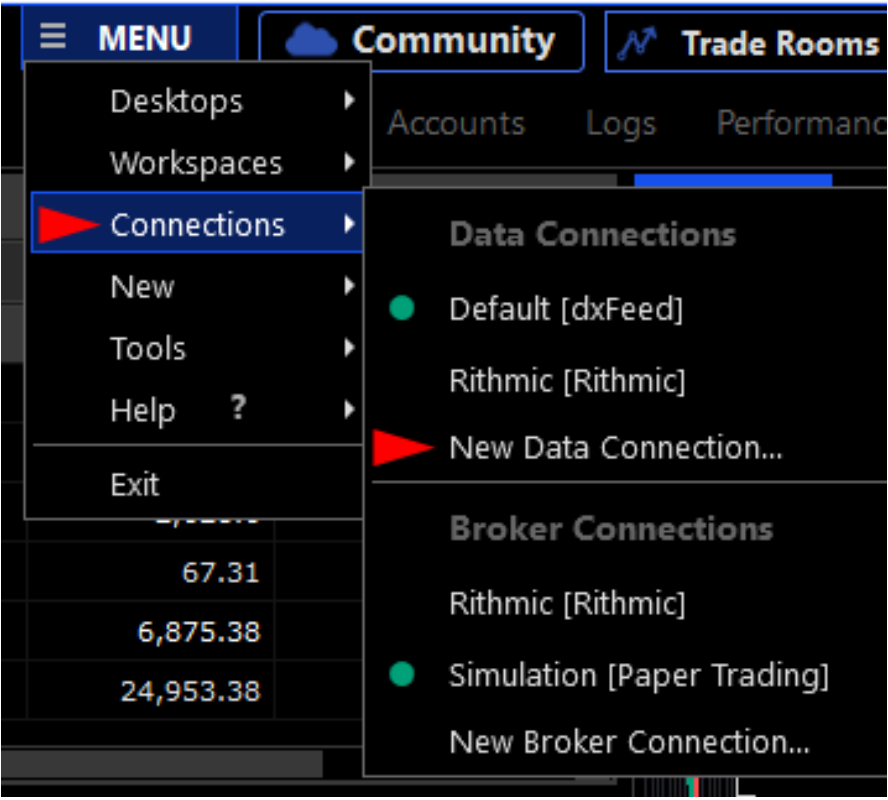
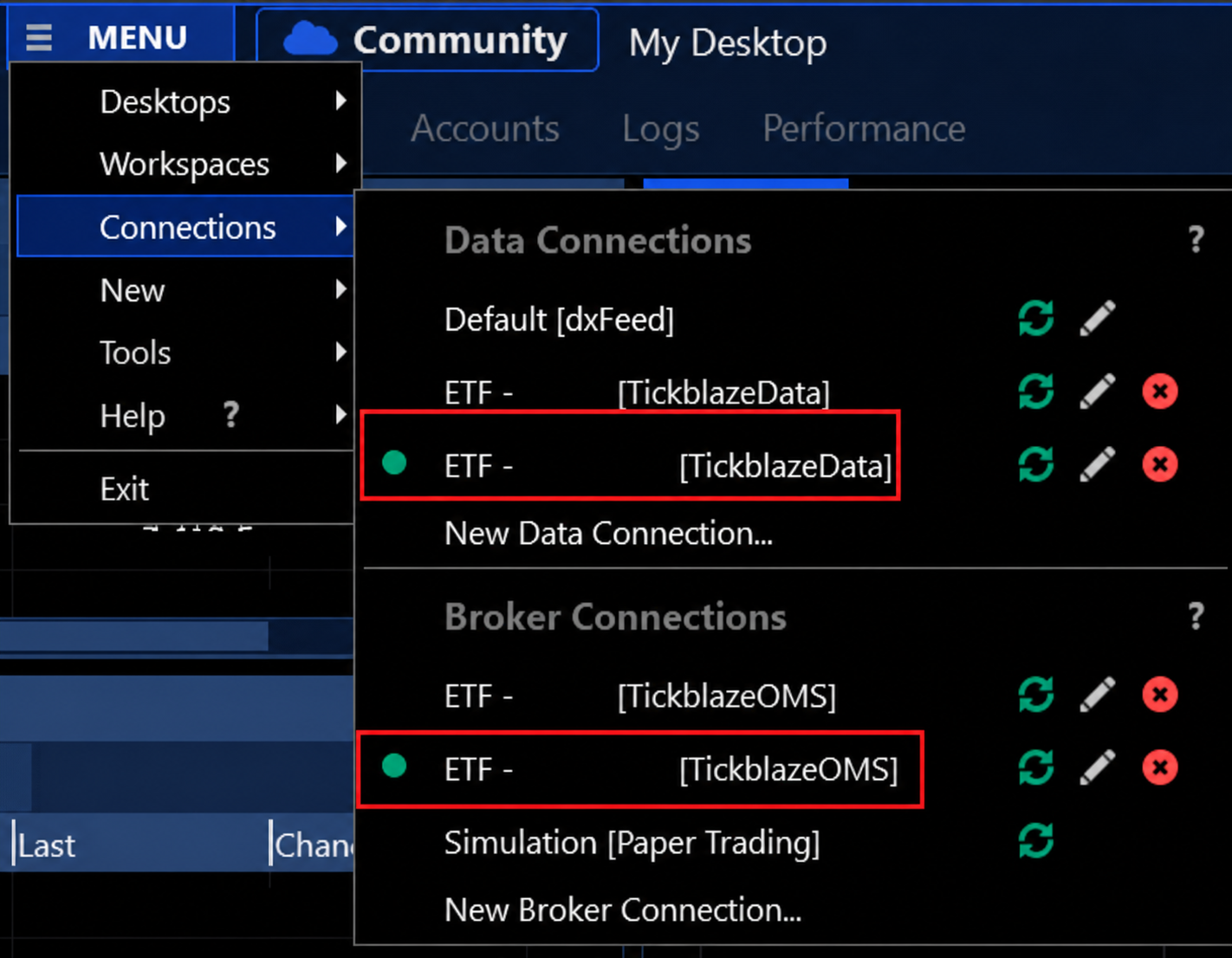
Click MENU in the upper-left corner of Tickblaze.
Hover over Connections in the dropdown menu.
Select or open the Connections panel that appears to the right.
Under Data Connections, find ETF - [TickblazeData].
Under Broker Connections, find ETF - [TickblazeOMS].
Sign the Market Data Agreements:
You'll sign the Market Data Agreement, which asks you to classify yourself as either a Non-Professional or a Professional user. This determines which market data fees apply - so it's important to choose correctly before you sign.
Non-Professional: The L1 top-of-book data fee is included with your purchase if you qualify as a Non-Professional user. This classification generally applies when you are trading for personal use only, do not hold a financial license such as a Series 7 or Series 56, are not employed by a financial institution, hedge fund, or brokerage, and are not using market data for business or institutional purposes.
You can still purchase L2 (Depth of Book) as a Non-Professional via the Data Add-on through your ETF dashboard.
Professional: Professional users are required to have both L1 top-of-book data and L2 Depth of Book data enabled. Professional data access includes an additional fee, so the exact amount should be confirmed directly with your prop firm. You may qualify as a Professional user if you hold a valid financial license, are employed by a financial or trading firm, or use market data on behalf of a company, business, or institution.
The Professional fee is charged per calendar month, is non-prorated, and is non-refundable once selected.
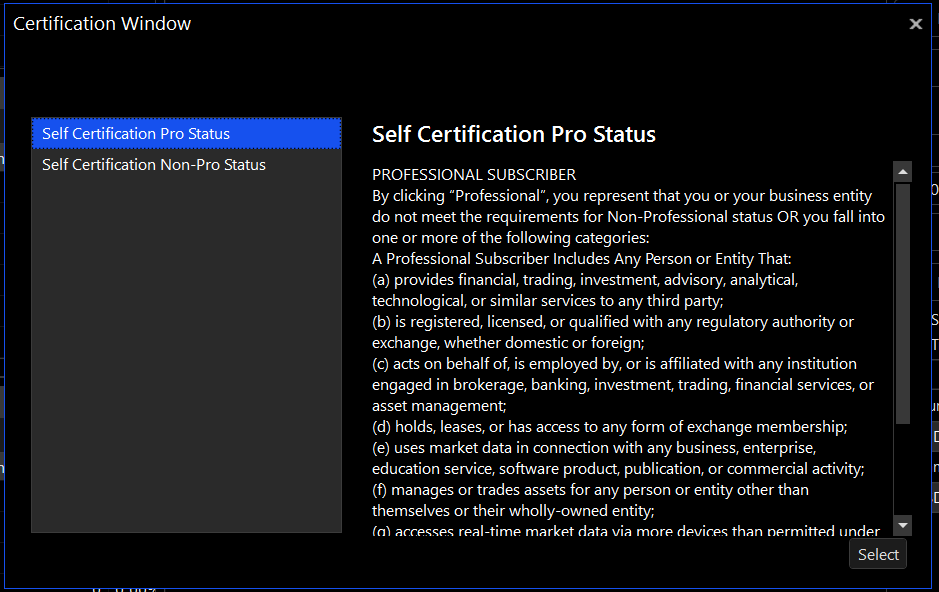
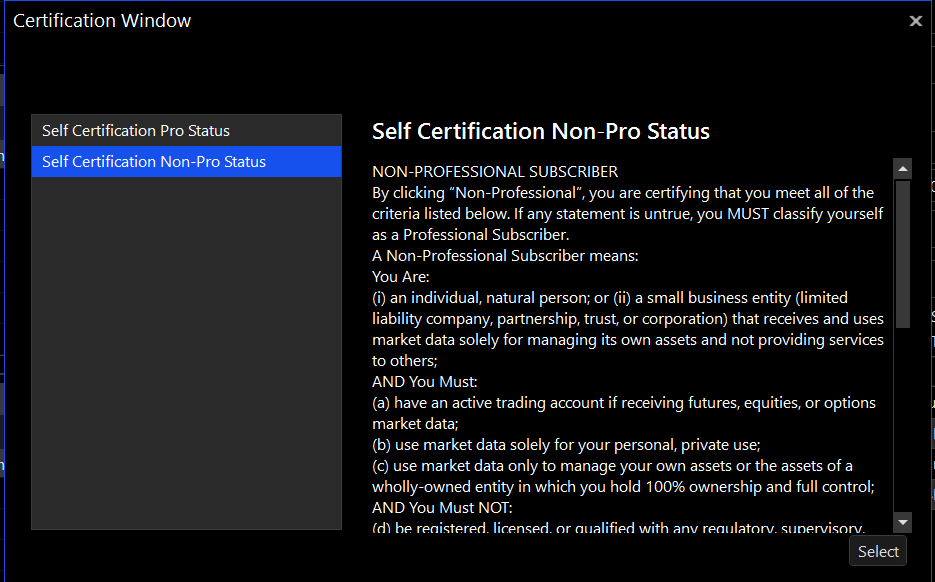
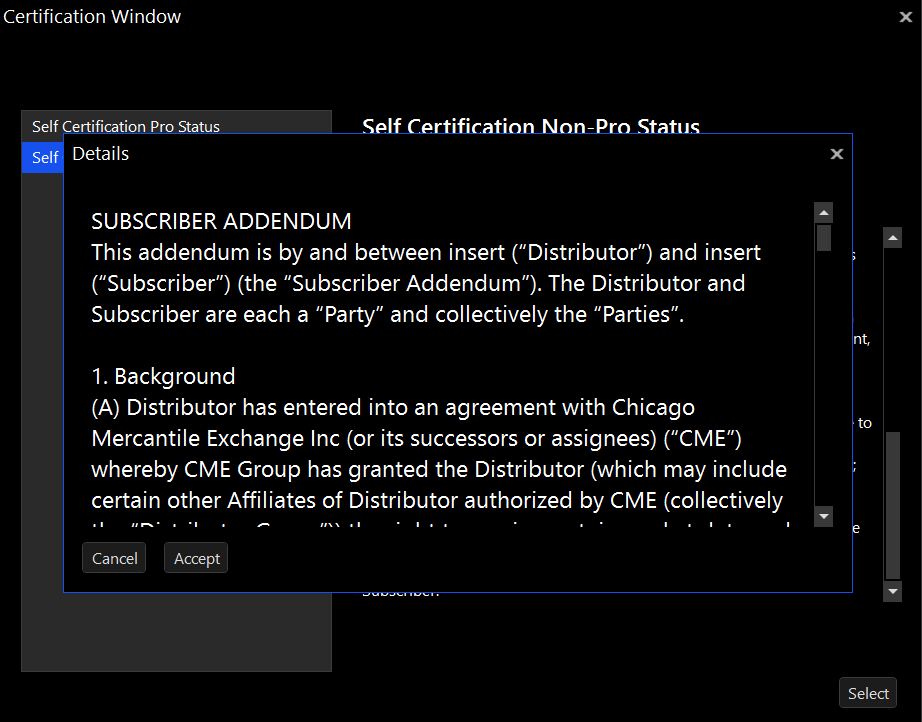
Choosing the right classification matters: If any statement in the Non-Professional criteria is untrue for you, you must classify yourself as Professional. Misclassification can result in retroactive fees and compliance issues.
You're all set!
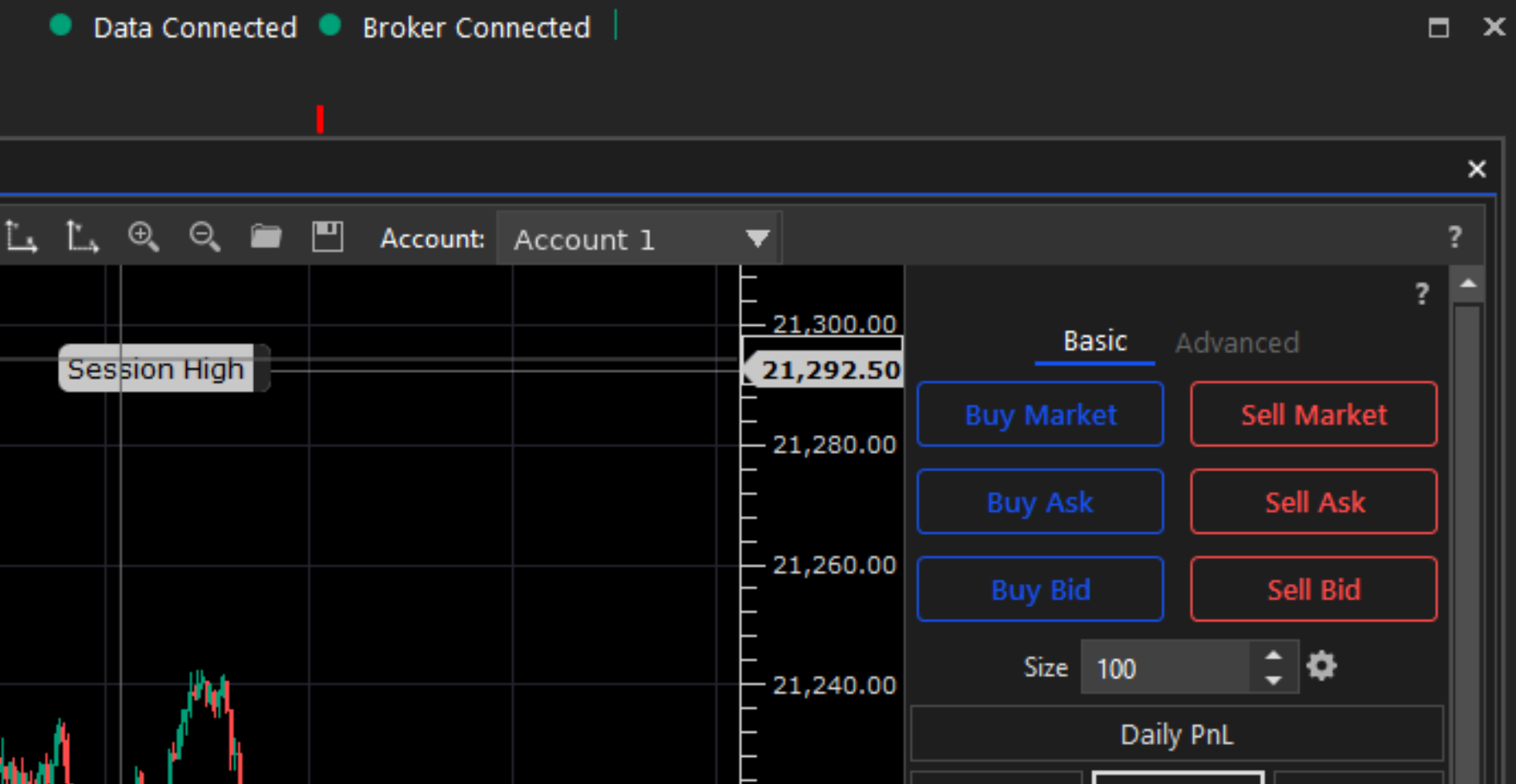
After the wizard finishes, return to Connections and select both the Data Connection and Broker Connection you created. When both indicators are green near the top of the Tickblaze window, you're fully connected.